---
title: Notes on Using Java Kernel with Jupyter
tags: ["Java", "Python", "Jupyter", "Machine Learning"]
categories: ["Dev", "MachineLearning", "Jupyter", "Java"]
date: 2023-09-01T03:31:01Z
updated: 2023-09-01T03:39:04Z
---
> ⚠️ This article was automatically translated by OpenAI (gpt-4o).
> It may be edited eventually, but please be aware that it may contain incorrect information at this time.
Jupyter provides an interactive computing environment. It's usually used with Python, but I found it can also be used with Java, so here are my notes.
You need to have jshell available. I tested with the following Java version.
```
$ java -version
java version "17.0.7" 2023-04-18 LTS
Java(TM) SE Runtime Environment Oracle GraalVM 17.0.7+8.1 (build 17.0.7+8-LTS-jvmci-23.0-b12)
Java HotSpot(TM) 64-Bit Server VM Oracle GraalVM 17.0.7+8.1 (build 17.0.7+8-LTS-jvmci-23.0-b12, mixed mode, sharing)
$ java --list-modules | grep "jdk.jshell"
jdk.jshell@17.0.7
```
### Setting up Python
I'm not very familiar with Python, so I'm not sure if this setup method is correct.
Install pyenv
```
brew install xz
brew install pyenv
echo 'export PYENV_ROOT="$HOME/.pyenv"' >> ~/.zshrc
echo 'command -v pyenv >/dev/null || export PATH="$PYENV_ROOT/bin:$PATH"' >> ~/.zshrc
echo 'eval "$(pyenv init -)"' >> ~/.zshrc
source ~/.zshrc
pyenv install 3.11.5
```
From here, work in `~/jupyterlab-java`
```
mkdir -p ~/jupyterlab-java
cd ~/jupyterlab-java
pyenv local 3.11.5
```
Create an environment with venv
```
python3 -m venv .venv
source .venv/bin/activate
```
### Install jupyter
```
pip3 install jupyter
```
### Install Java kernel
```
git clone https://github.com/frankfliu/IJava.git
cd IJava
./gradlew -q installKernel
cd ..
```
Check the list of kernels
```
$ jupyter kernelspec list
0.00s - Debugger warning: It seems that frozen modules are being used, which may
0.00s - make the debugger miss breakpoints. Please pass -Xfrozen_modules=off
0.00s - to python to disable frozen modules.
0.00s - Note: Debugging will proceed. Set PYDEVD_DISABLE_FILE_VALIDATION=1 to disable this validation.
Available kernels:
python3 /Users/tmaki/jupyterlab-java/.venv/share/jupyter/kernels/python3
java /Users/tmaki/Library/Jupyter/kernels/java
```
### Launch Jupyter Lab
```
jupyter lab
```
Select Java Notebook
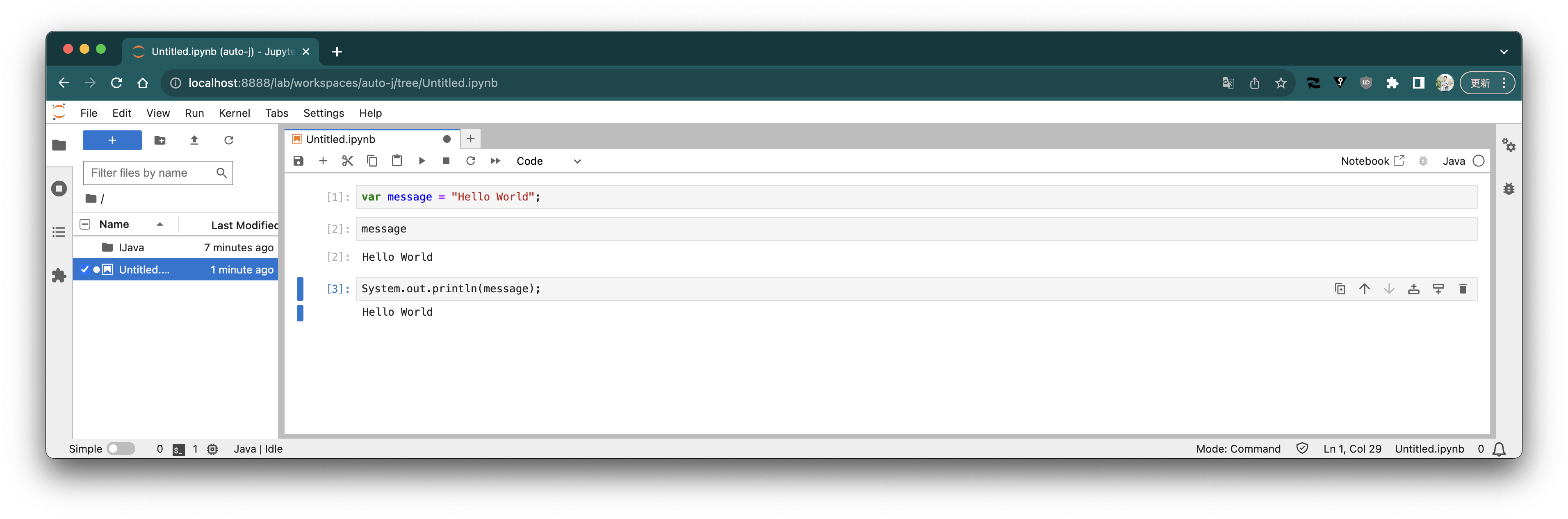
 You can write and execute Java code interactively.
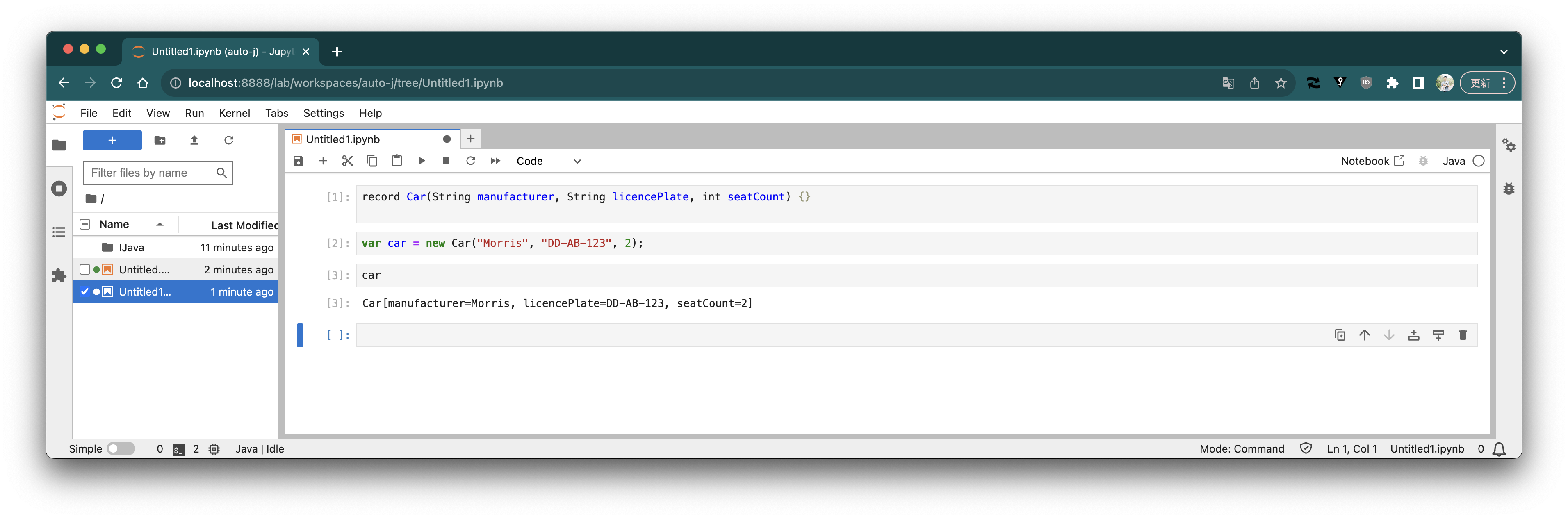
 Define a class with Record
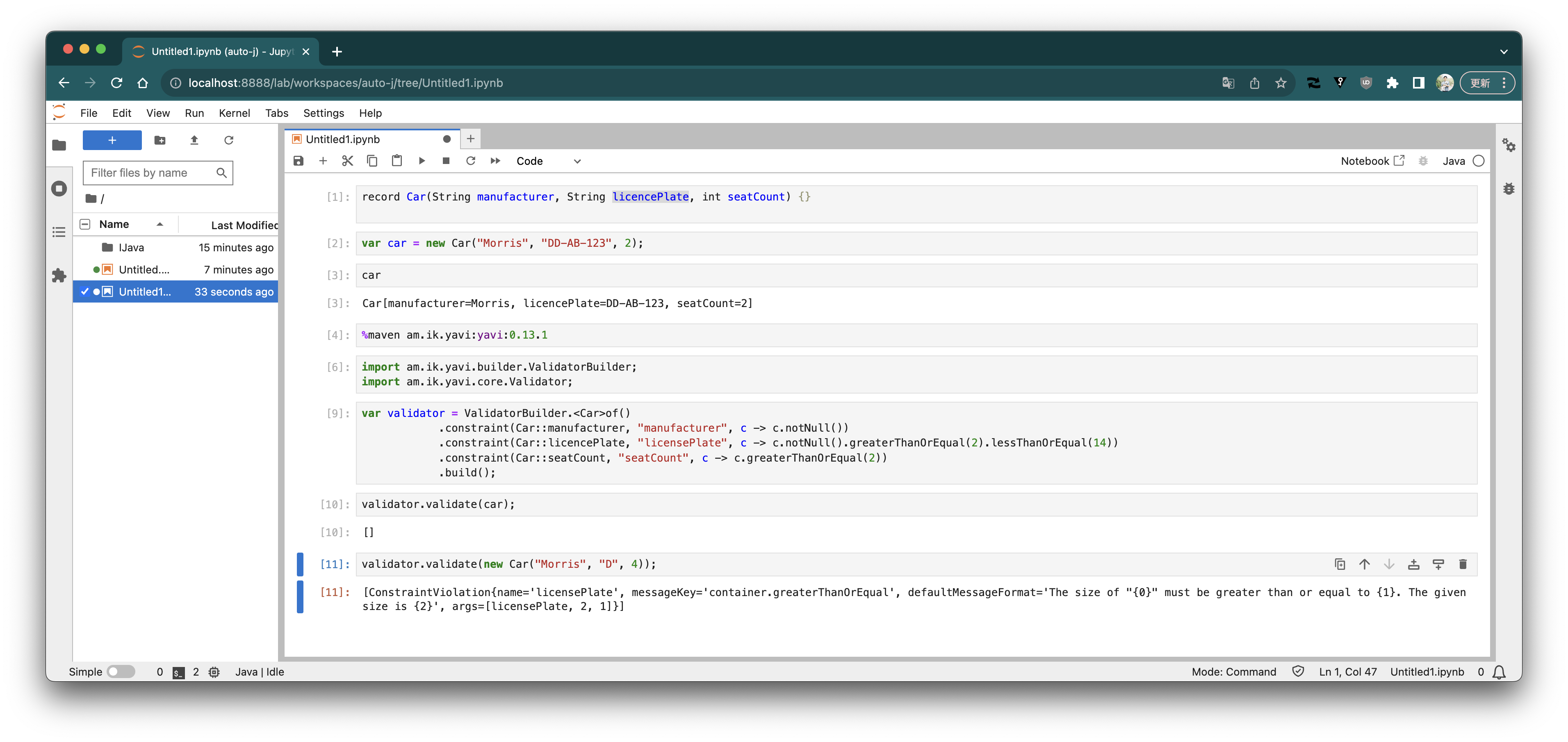
 You can download libraries from the Maven Repository.
https://github.com/SpencerPark/IJava/blob/master/docs/magics.md#addmavendependencies
You can download libraries from the Maven Repository.
https://github.com/SpencerPark/IJava/blob/master/docs/magics.md#addmavendependencies
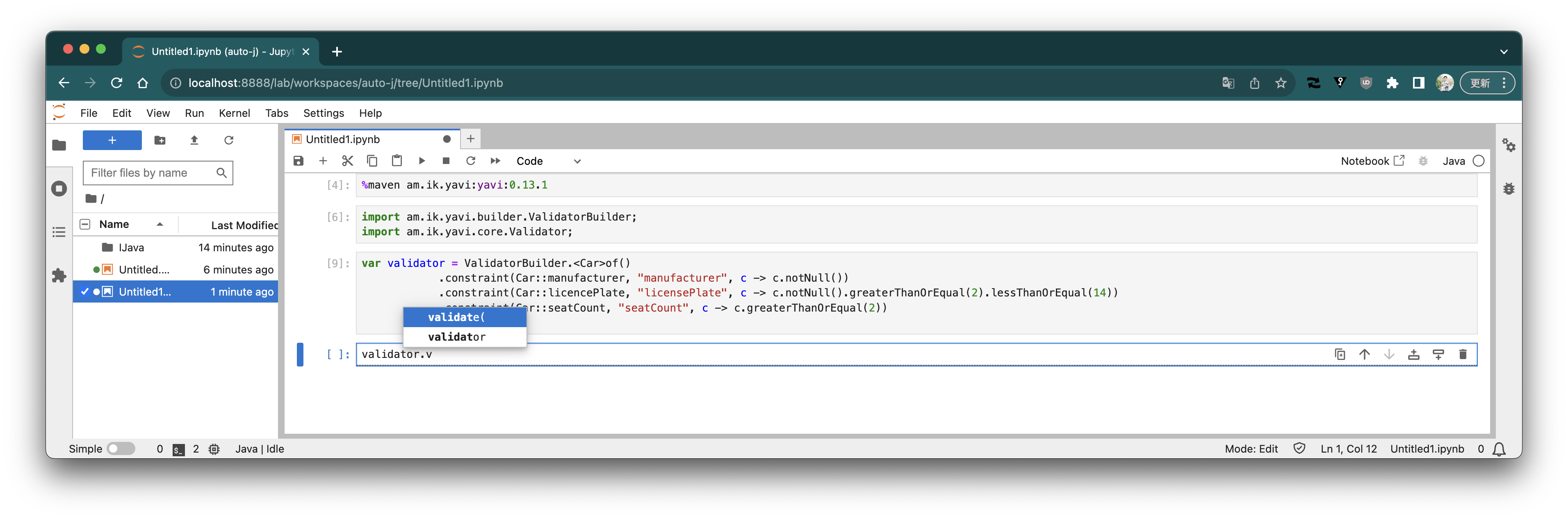
 Auto-completion works with the `TAB` key.
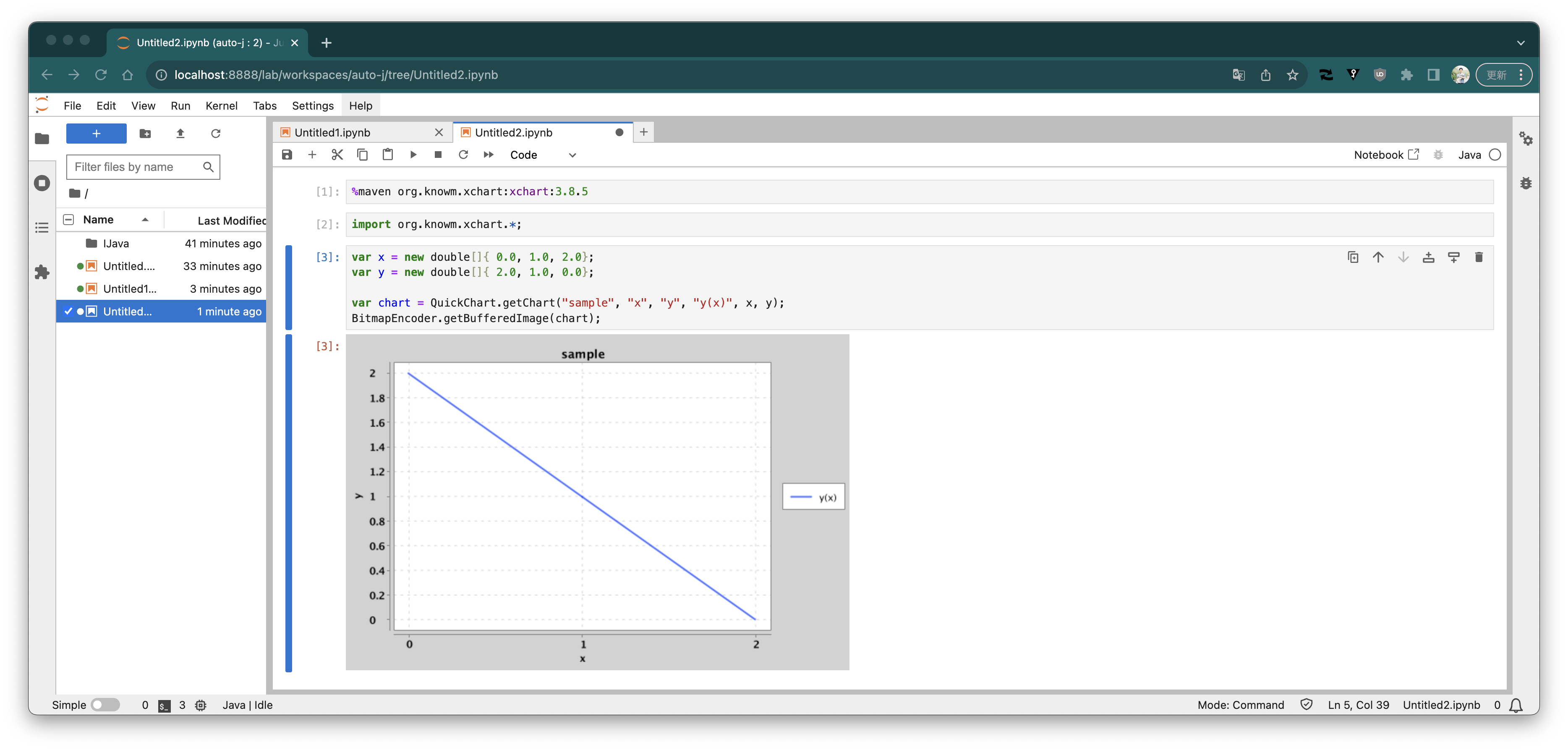
 You can also draw graphs
 The ipynb file used above is [here](https://gist.github.com/making/4708e293f75a6f4d0d9dfaa14d8b6580)
---
Speaking of Jupyter, it's often associated with machine learning, so I plan to try [JDL](https://github.com/deepjavalibrary/djl) and [Tribuo](https://tribuo.org/).
> I wanted to use it on Colaboratory, but the connection to the Java runtime remains "connecting" and doesn't work. It seems there are some cases where it works, though...
The ipynb file used above is [here](https://gist.github.com/making/4708e293f75a6f4d0d9dfaa14d8b6580)
---
Speaking of Jupyter, it's often associated with machine learning, so I plan to try [JDL](https://github.com/deepjavalibrary/djl) and [Tribuo](https://tribuo.org/).
> I wanted to use it on Colaboratory, but the connection to the Java runtime remains "connecting" and doesn't work. It seems there are some cases where it works, though...