Fly.ioにRustFSをデプロイするメモ
Fly.ioにS3互換のオブジェクトストレージRustFSをデプロイします。無料枠に収まるサイズでデプロイします。
Fly.ioにはflyctlコマンドでログイン済みとします。
次のfly.tomlを作成します。
primary_region = 'nrt'

[experimental]
  cmd = ['--console-enable', '/data']

[build]
  image = 'rustfs/rustfs:latest'

[env]
  RUSTFS_ADDRESS = '0.0.0.0:9000'
  RUSTFS_CONSOLE_ADDRESS = '0.0.0.0:9001'
  RUSTFS_CONSOLE_ENABLE = 'true'

[[mounts]]
  source = 'rustfs_data'
  destination = '/data'

[[services]]
  protocol = 'tcp'
  internal_port = 9000

  [[services.ports]]
    port = 80
    handlers = ['http']

  [[services.ports]]
    port = 443
    handlers = ['tls', 'http']

[[services]]
  protocol = 'tcp'
  internal_port = 9001

  [[services.ports]]
    port = 9001
    handlers = ['http']

  [[services.ports]]
    port = 8443
    handlers = ['tls', 'http']

[[vm]]
  cpu_kind = 'shared'
  cpus = 1
  memory_mb = 256
次のコマンドでデプロイします。
flyctl apps create --name rustfs --machines
flyctl secrets set -a rustfs  RUSTFS_ACCESS_KEY=xxxxxxxxx
flyctl secrets set -a rustfs RUSTFS_SECRET_KEY=xxxxxxxxx
flyctl volumes create rustfs_data -a rustfs --size 3 --region nrt
flyctl deploy -a rustfs
flyctl logs -a rustfs
URLはflyctl status -a rustfsのHostnameで確認できます。
https://<Hostname>… S3 API の URLhttps://<Hostname>:8443… Console の URL
です。
Console にアクセスします。ログインするには右上の⚙️マークをクリックして、"Server Address" に S3 API の URL を指定する必要があります。
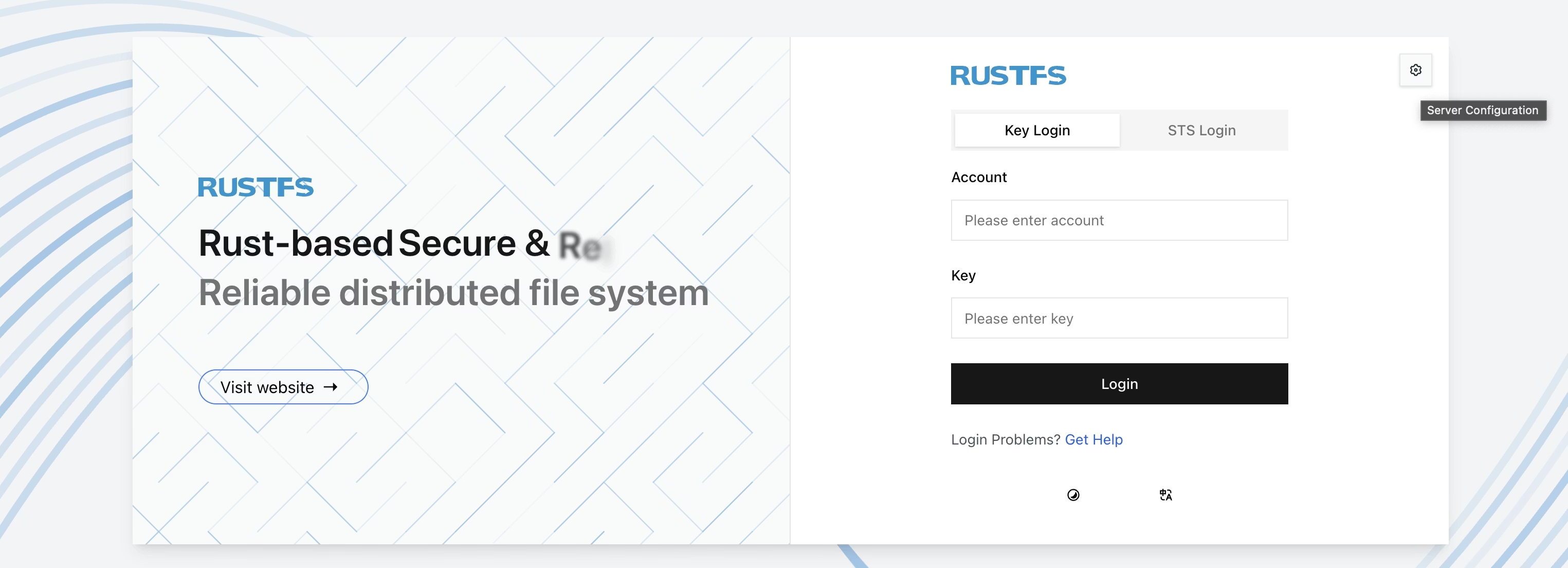
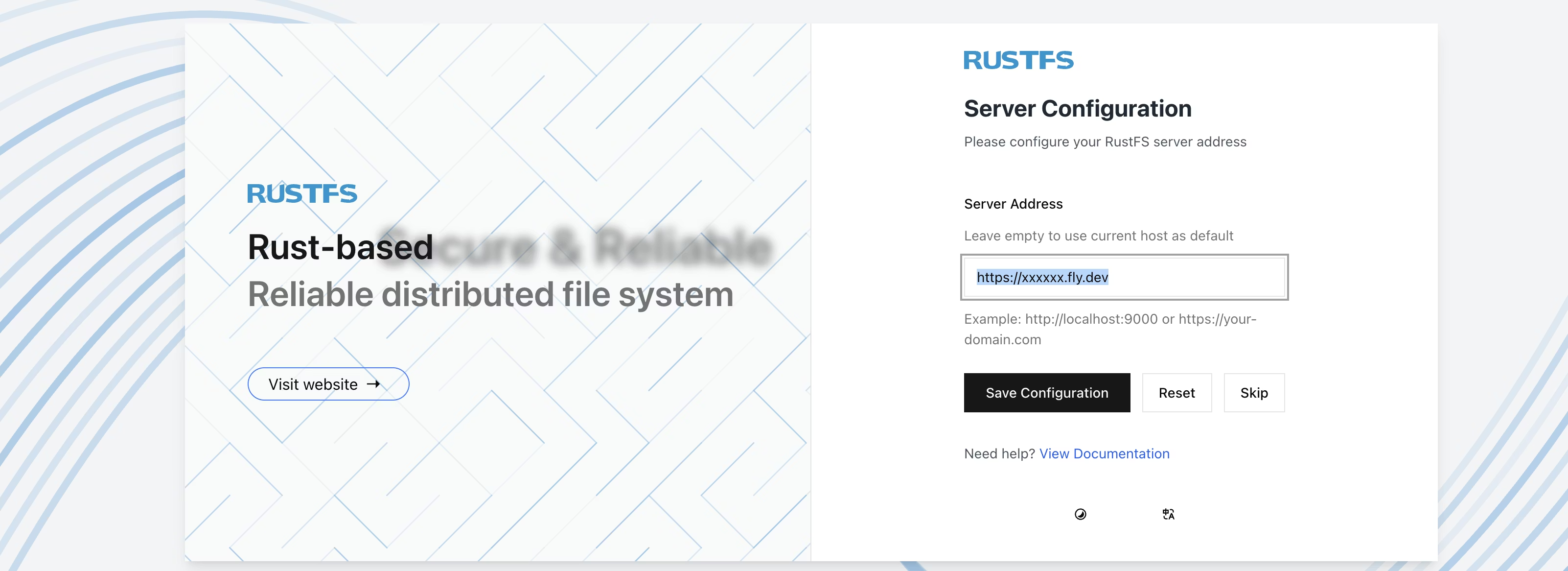
これで、Secret に設定した ACCESS_KEY と SECRET_KEY でログインできます。
aws CLI では次のようにアクセスできます。
aws configure --profile rustfs
# ACCESS_KEY と SECRET_KEY を設定。Region は何でも良い
aws --profile rustfs --endpoint-url https://<Hostname> s3 ls