Using Spring Security 7’s MFA support to perform two‑factor authentication (2FA) with TOTP
In a previous article we covered how to do two‑factor authentication (2FA) with Spring Security. Since Spring Security 7 now supports Multi‑Factor Authentication (MFA), this time we’ll implement a Time‑based One‑Time Password (TOTP)‑based 2FA within that framework, just like before.
TOTP is not supported as a built‑in Factor in Spring Security 7, so a custom implementation is required.
Warning
After the previous article, Spring Security added support for One‑Time Token (OTT) authentication (e.g., sending a token via email each time) and Passkey authentication in version 6.5, and both are built‑in to MFA.
In this context, you should carefully consider whether adopting TOTP now is the right choice. This article is written from the perspective of “how would the previous article look if we rewrote it using Spring Security 7’s MFA support”.
The sample application repository is here:
https://github.com/making/demo-2fa
It has been verified with Spring Boot 4.0.2 and Spring Security 7.0.2.
To understand Spring Security’s MFA support, we recommend reading the following blog posts and documentation first:
- https://spring.io/blog/2025/10/21/multi-factor-authentication-in-spring-security-7
- https://docs.spring.io/spring-security/reference/servlet/authentication/mfa.html
Sample App Walkthrough
First, walk through the sample app. It can be run with the following commands (Docker required).
git clone https://github.com/making/demo-2fa
cd demo-2fa
./mvnw spring-boot:test-run
Visit http://localhost:8080/signup and register an account.
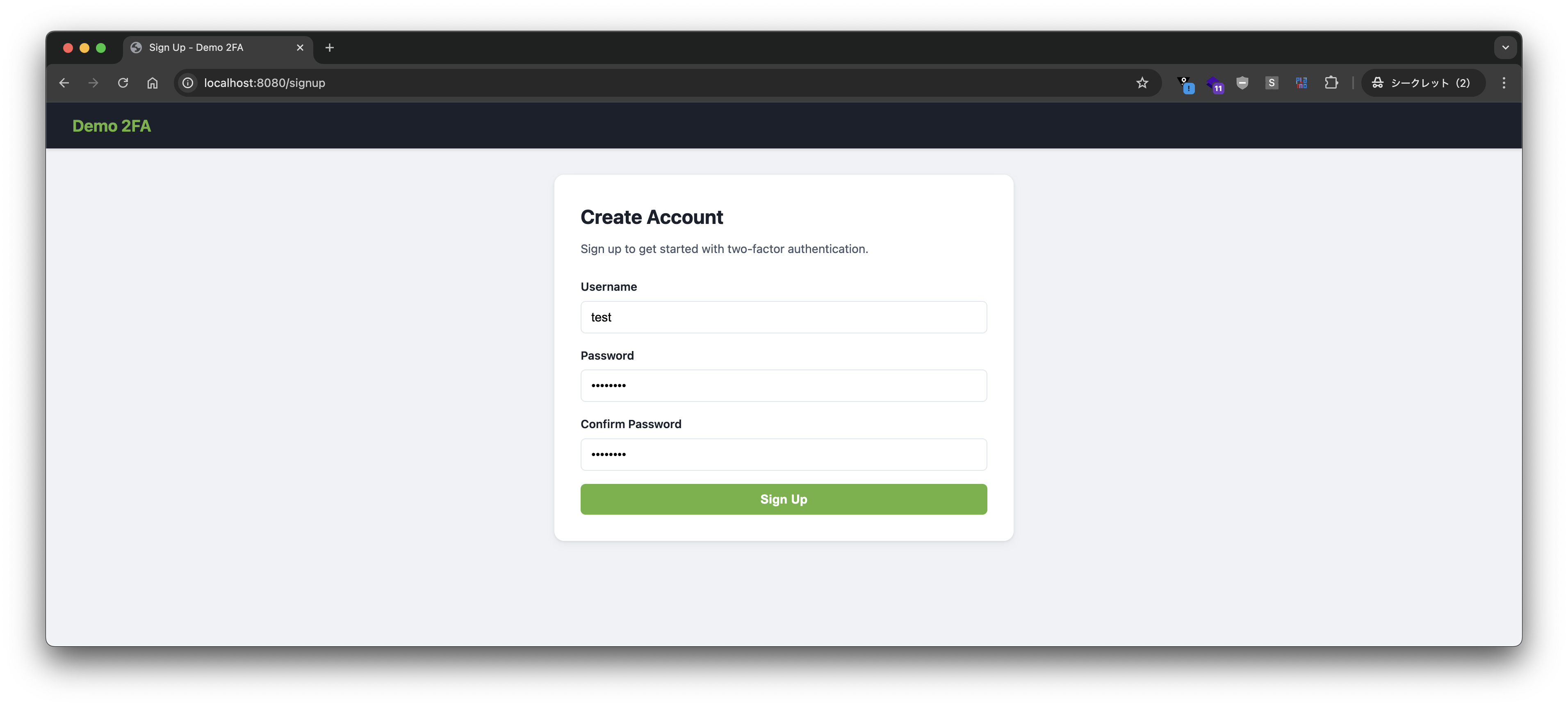
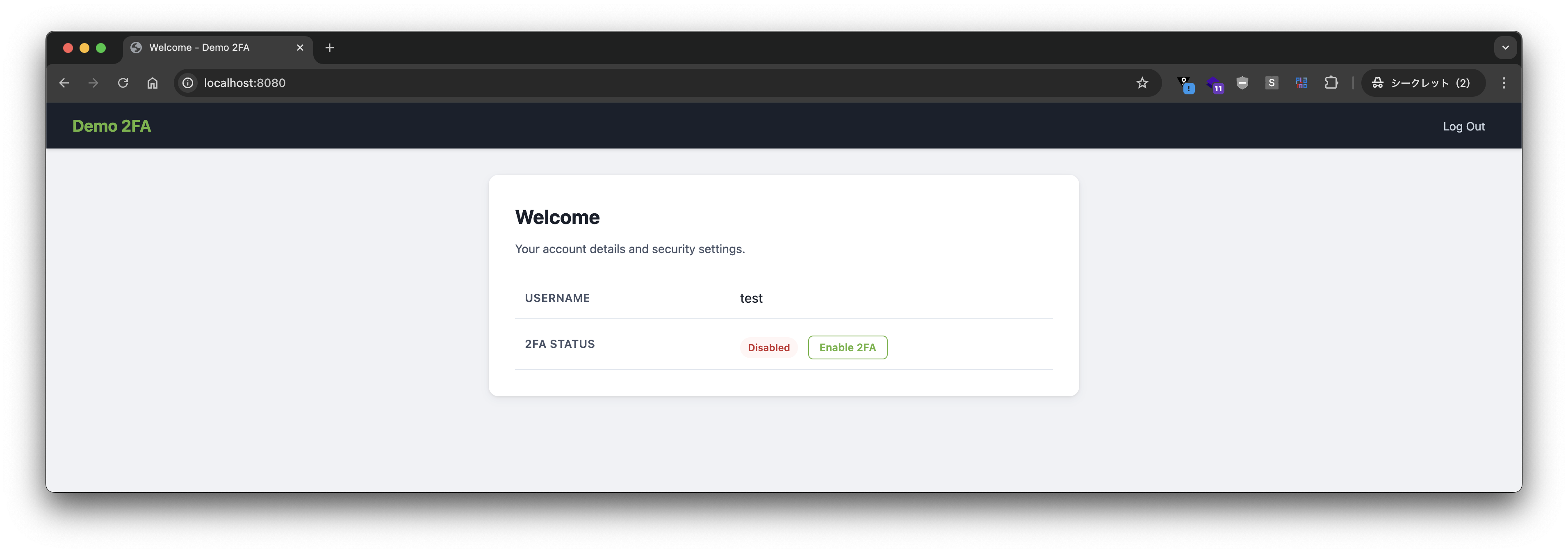
2FA is disabled by default.
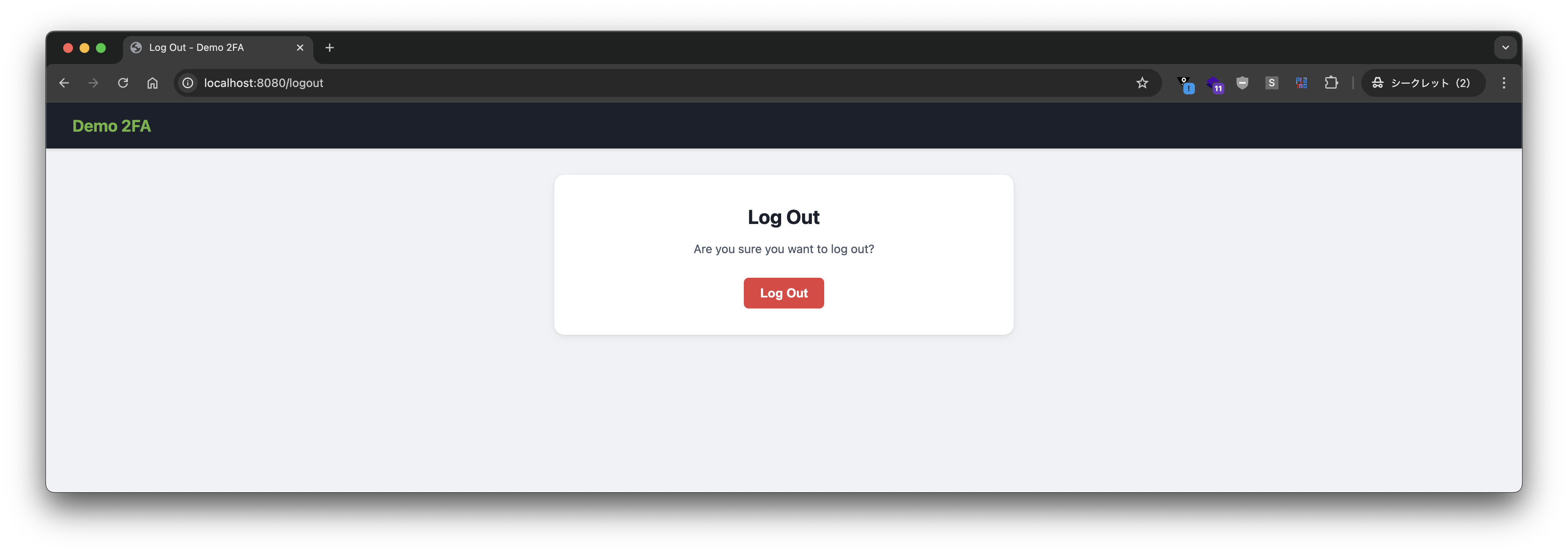
Log out.
Log in again.
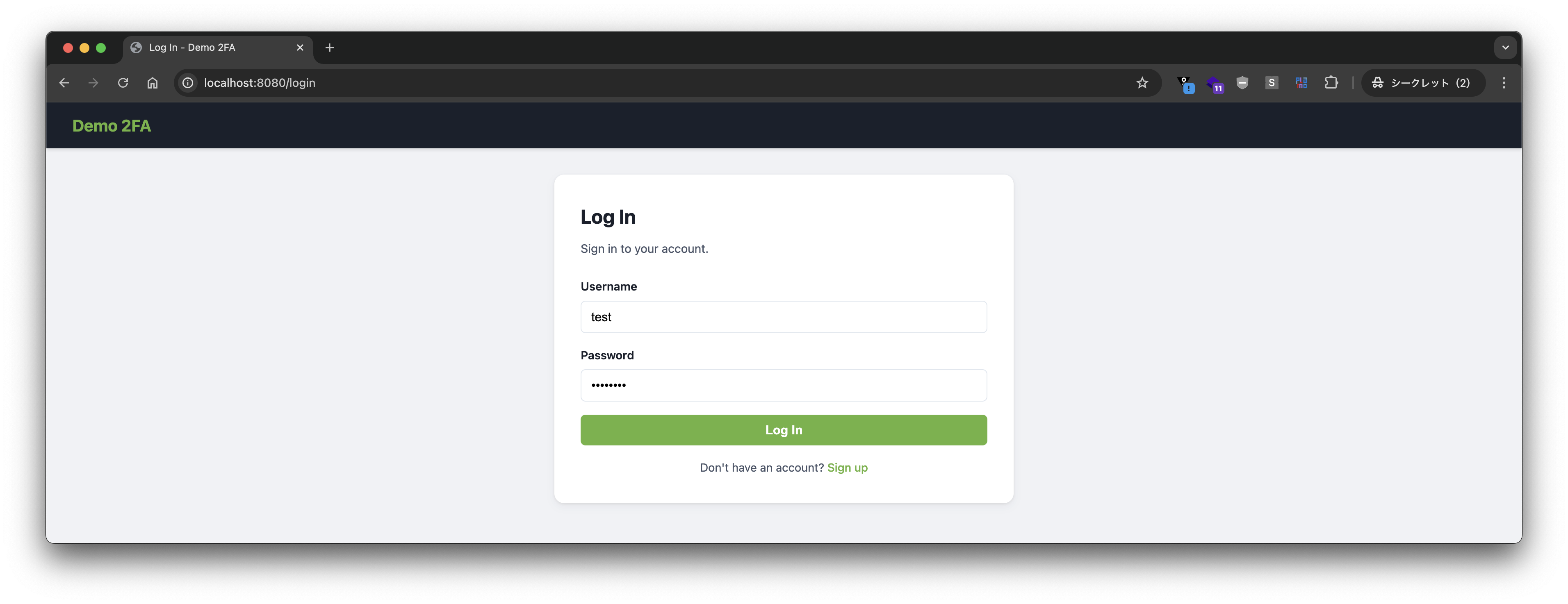
Since 2FA is disabled, login succeeds with just username and password.
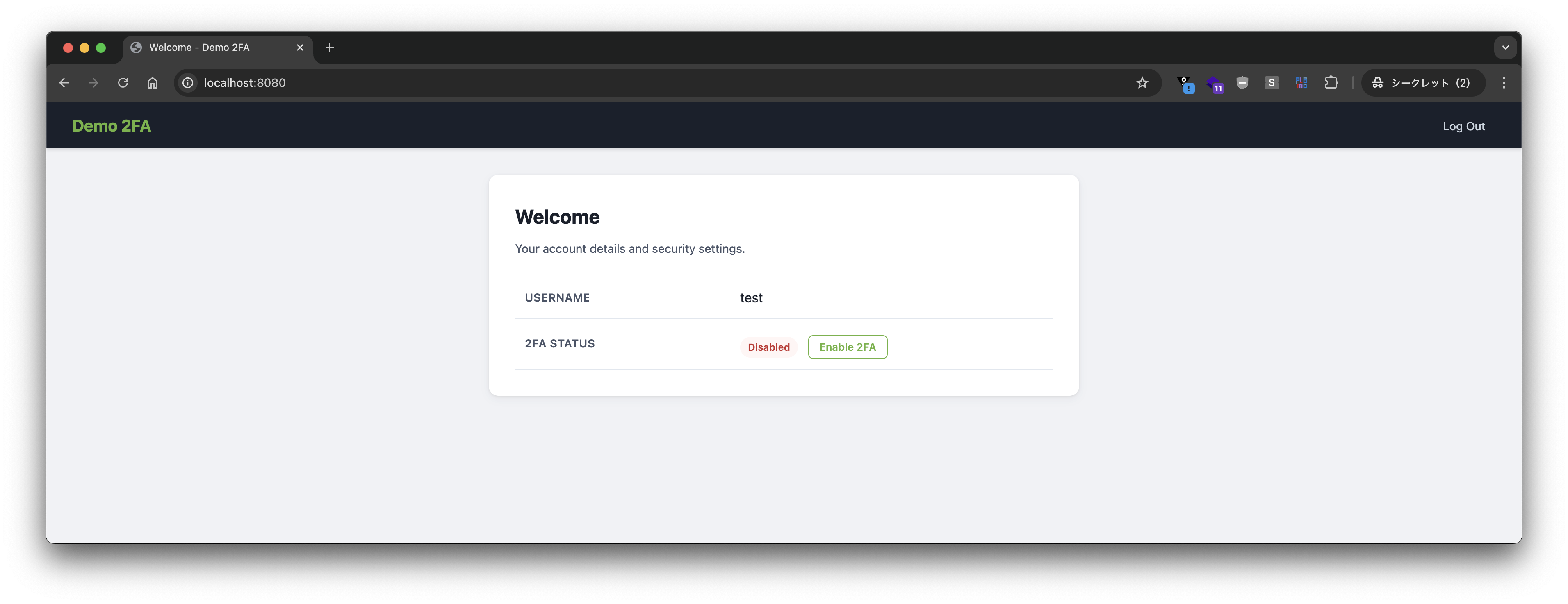
Enable 2FA.
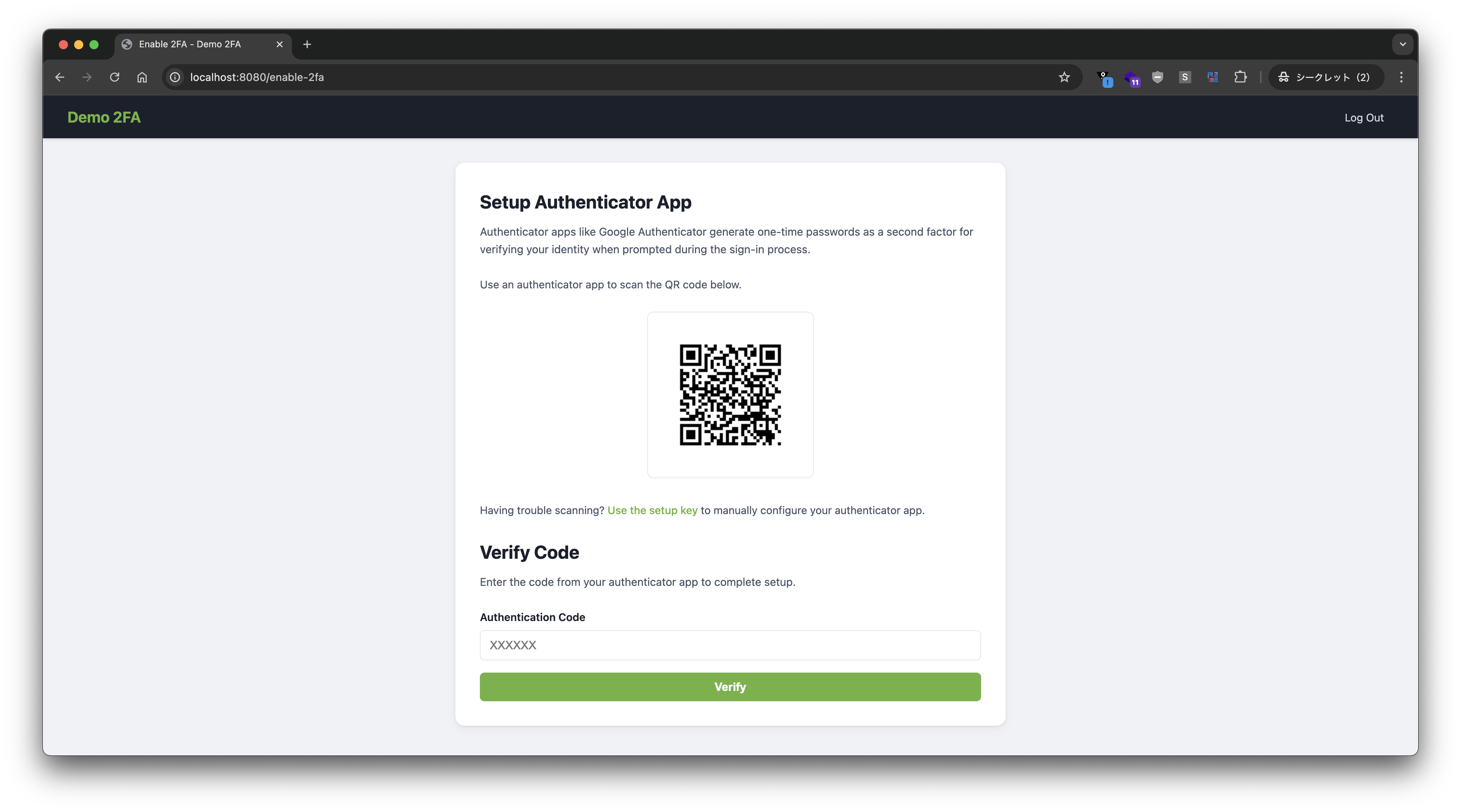
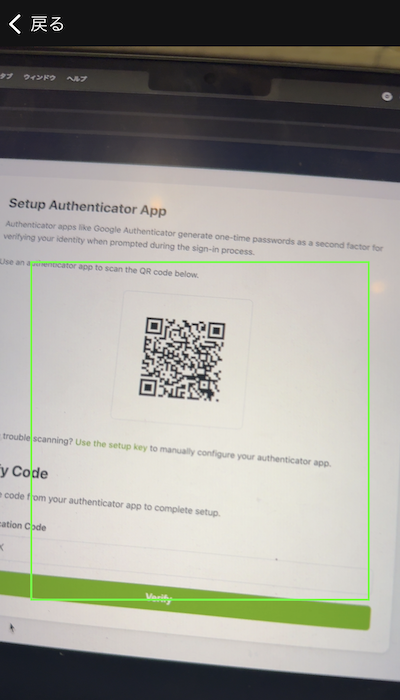
Scan the QR code with Google Authenticator.
Check the code.
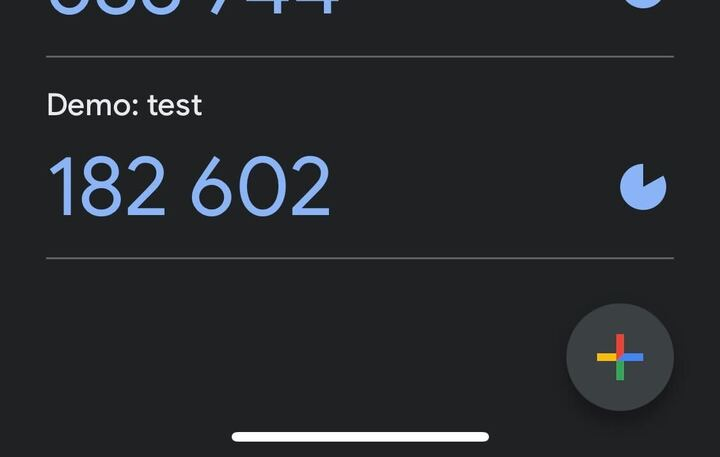
Enter the code and press the verify button.
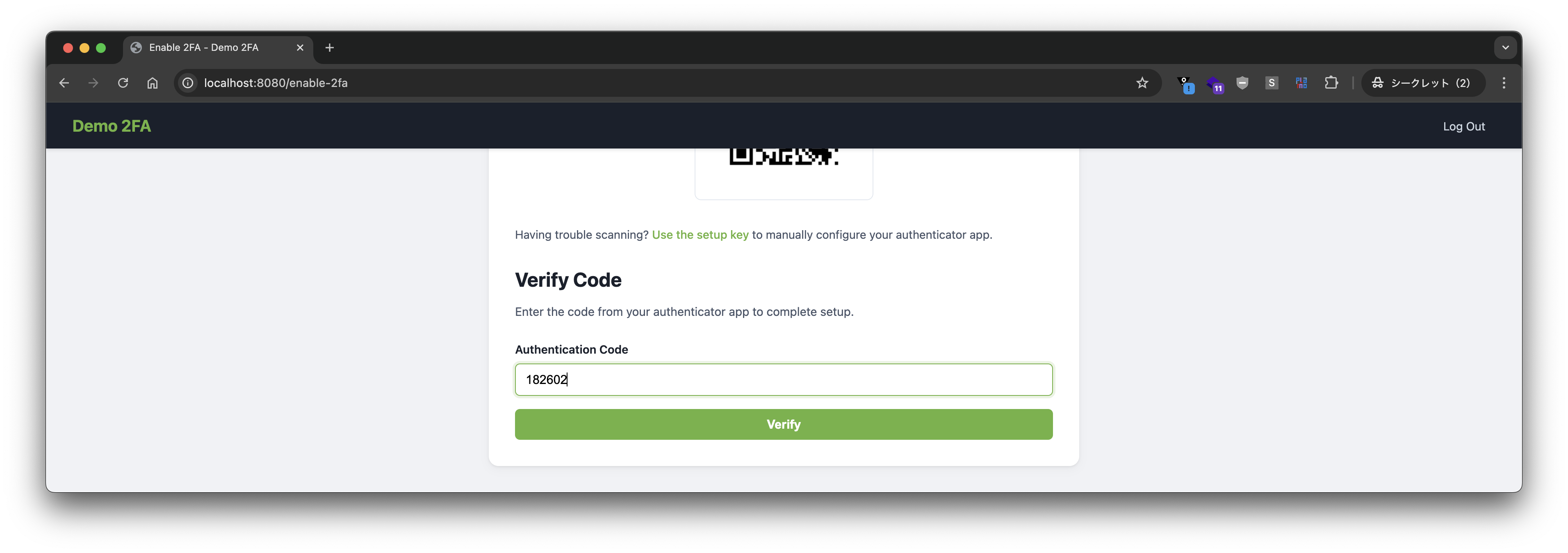
2FA is now enabled.
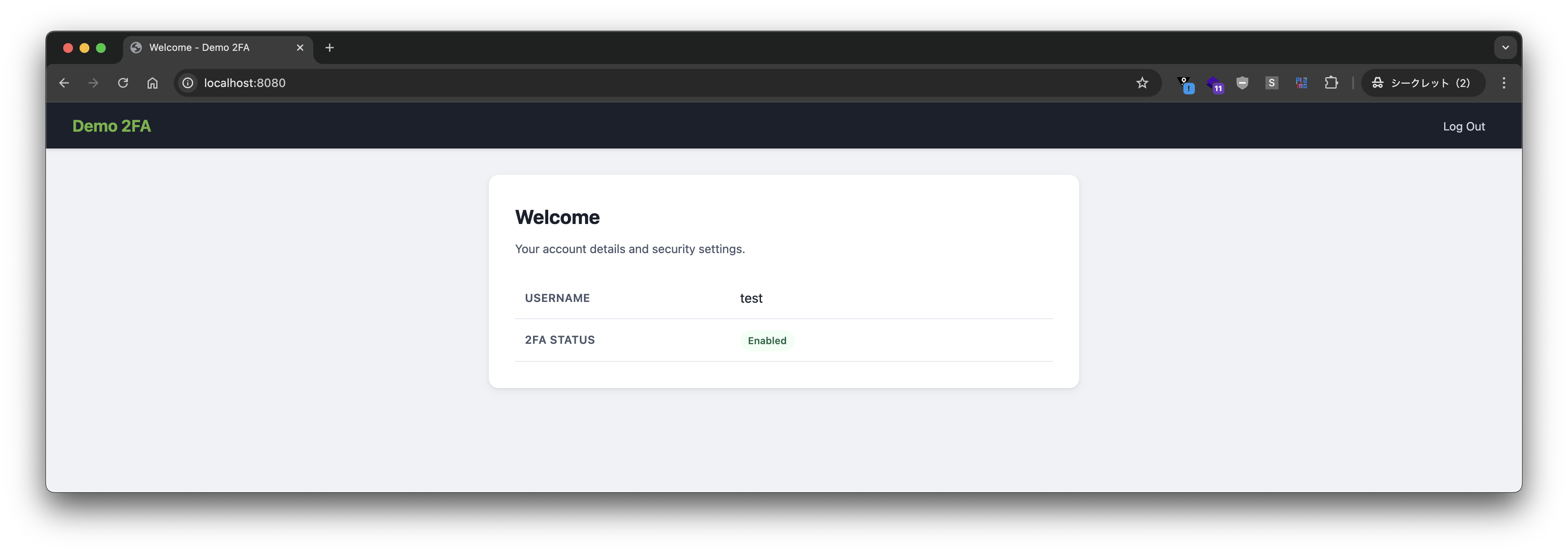
Log out.
Log in again.
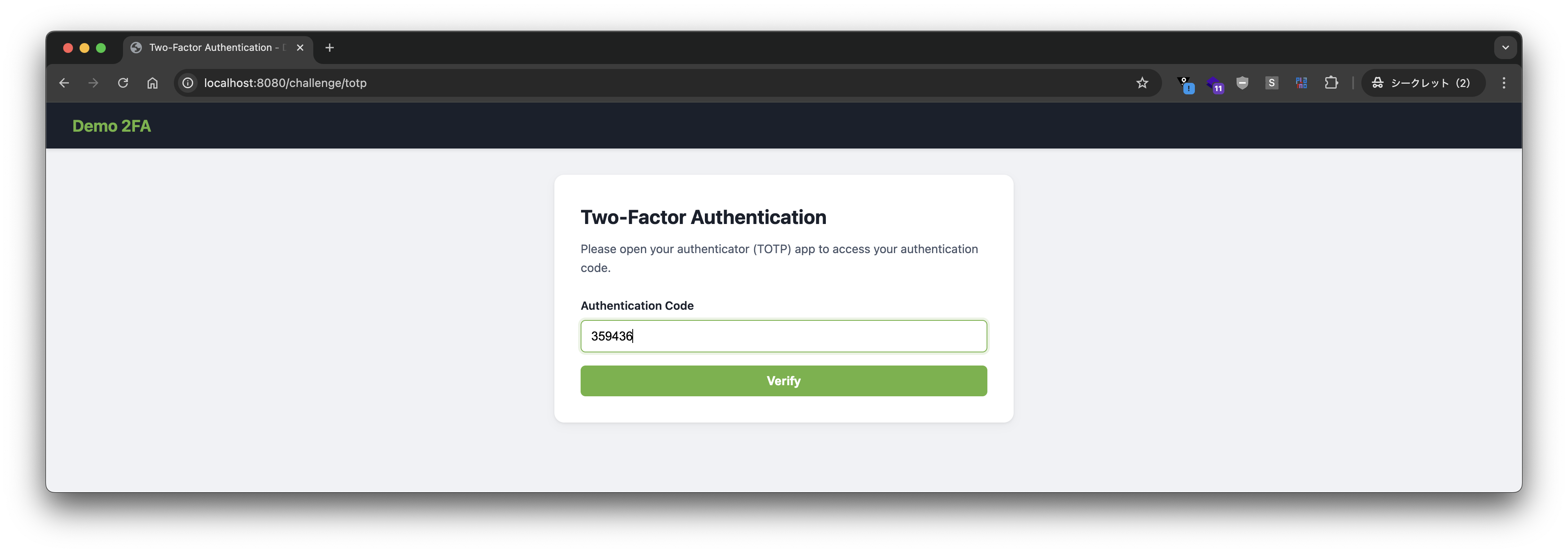
This time 2FA is enabled, so you are prompted for a code.
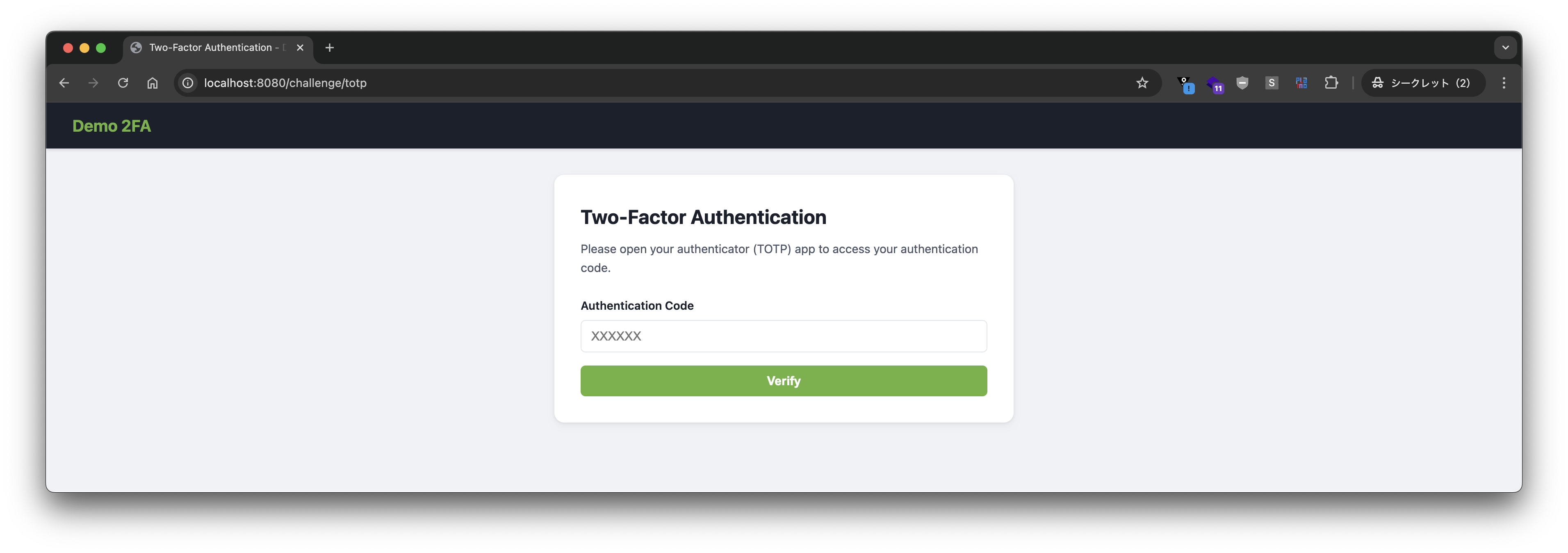
Check the code with Google Authenticator.
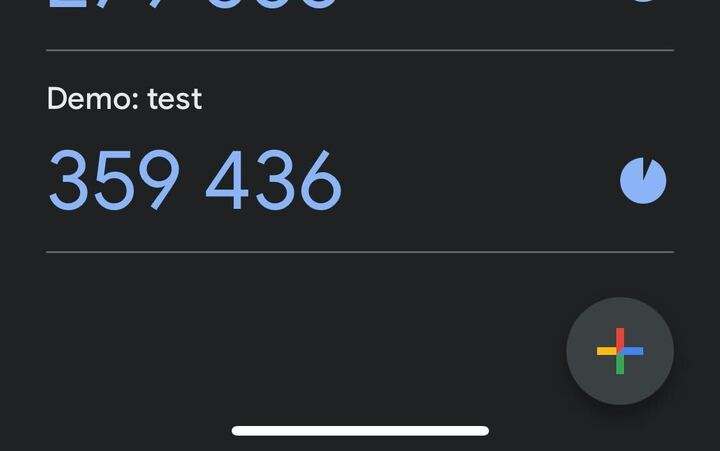
Enter the code and press verify.
Login succeeds.
Implementation Details
The SecurityFilterChain definition looks like this.
@Bean
SecurityFilterChain securityFilterChain(HttpSecurity http) {
	var mfa = new DefaultAuthorizationManagerFactory<>();
	mfa.setAdditionalAuthorization(new TotpTwoFactorAuthorizationManager());
	return http.authorizeHttpRequests(authorize -> authorize
		.requestMatchers("/error", "/signup", "/logout", "/*.css").permitAll()
		.requestMatchers("/challenge/totp", "/enable-2fa").hasAuthority(FactorGrantedAuthority.PASSWORD_AUTHORITY)
		.anyRequest().access(mfa.authenticated())
	)
		.formLogin(form -> form.loginPage("/login").defaultSuccessUrl("/", true).permitAll())
		.exceptionHandling(exceptions -> exceptions.defaultDeniedHandlerForMissingAuthority(
				(request, response, exception) -> response.sendRedirect("/challenge/totp"),
				TotpFactor.TOTP_AUTHORITY))
		.securityContext(securityContext -> securityContext.requireExplicitSave(false))
		.build();
}
Key points:
- Before TOTP authentication (e.g.,
/challenge/totp),FactorGrantedAuthority.PASSWORD_AUTHORITY(i.e.,"FACTOR_PASSWORD") is required, meaning password authentication is needed. - Any request requires authorization by
TotpTwoFactorAuthorizationManager. This manager demands"FACTOR_PASSWORD"when 2FA is disabled, and both"FACTOR_PASSWORD"and"FACTOR_TOTP"when 2FA is enabled. - With
defaultDeniedHandlerForMissingAuthority, whenTotpFactor.TOTP_AUTHORITY(i.e.,"FACTOR_TOTP") is missing, anAuthenticationEntryPointredirects to/challenge/totp.
The implementation of TotpTwoFactorAuthorizationManager is as follows.
package com.example.totp;

import com.example.account.Account;
import com.example.account.AccountUserDetails;
import org.jspecify.annotations.Nullable;
import org.slf4j.Logger;
import org.slf4j.LoggerFactory;
import org.springframework.security.authentication.UsernamePasswordAuthenticationToken;
import org.springframework.security.authorization.AllAuthoritiesAuthorizationManager;
import org.springframework.security.authorization.AuthorityAuthorizationManager;
import org.springframework.security.authorization.AuthorizationDecision;
import org.springframework.security.authorization.AuthorizationManager;
import org.springframework.security.authorization.AuthorizationResult;
import org.springframework.security.core.Authentication;
import org.springframework.security.core.authority.FactorGrantedAuthority;

import java.util.function.Supplier;

public class TotpTwoFactorAuthorizationManager implements AuthorizationManager<Object> {

	private final AuthorizationManager<Object> mfa = AllAuthoritiesAuthorizationManager
		.hasAllAuthorities(FactorGrantedAuthority.PASSWORD_AUTHORITY, TotpFactor.TOTP_AUTHORITY);

	private final AuthorizationManager<Object> passwordOnly = AuthorityAuthorizationManager
		.hasAuthority(FactorGrantedAuthority.PASSWORD_AUTHORITY);

	private final Logger log = LoggerFactory.getLogger(this.getClass());

	@Override
	public AuthorizationResult authorize(Supplier<? extends @Nullable Authentication> authentication, Object context) {
		log.info("Authorizing {}", authentication.get());
		if (authentication.get() instanceof UsernamePasswordAuthenticationToken upat) {
			if (upat.getPrincipal() instanceof AccountUserDetails accountUserDetails) {
				Account account = accountUserDetails.getAccount();
				log.info("username={} 2FA={}", account.username(), account.twoFactorEnabled() ? "enabled" : "disabled");
				if (account.twoFactorEnabled()) {
					return this.mfa.authorize(authentication, context);
				}
				else {
					return this.passwordOnly.authorize(authentication, context);
				}
			}
		}
		log.warn("Authentication is not of expected type");
		return new AuthorizationDecision(false);
	}

}
In the previous article, both password authentication and TOTP authentication had to succeed before the user was considered “authenticated”. Consequently, the presence of 2FA was determined inside an AuthenticationSuccessHandler, i.e., partway through the authentication process.
With Spring Security 7’s MFA:
- Successful password authentication grants the built‑in
FACTOR_PASSWORDauthority. - Successful TOTP authentication grants a custom
FACTOR_TOTPauthority.
Thus each factor can be treated independently, and the addition of the defaultDeniedHandlerForMissingAuthority method lets us specify an AuthenticationEntryPoint for each missing authority, simplifying the implementation. An AuthenticationSuccessHandler is no longer needed.
Because of this, the flow after logging out with 2FA enabled works as follows:
- Password authentication at the login form grants
FACTOR_PASSWORD. TotpTwoFactorAuthorizationManagersees thatFACTOR_TOTPis missing and redirects to/challenge/totp.- TOTP authentication grants
FACTOR_TOTP. - Authorization succeeds.
FACTOR_TOTP is the custom authority added in this article, so you must implement the granting of this authority when TOTP authentication succeeds.
The controller for /challenge/totp looks like this.
@PostMapping(path = "/challenge/totp")
public void processTotp(@RequestParam String code, HttpServletRequest request, HttpServletResponse response,
        @AuthenticationPrincipal AccountUserDetails principal, Authentication authentication)
        throws ServletException, IOException {
    Account account = principal.getAccount();
    if (this.codeVerifier.verify(account, code)) {
        Authentication token = authentication.toBuilder()
            .principal(principal)
            .authorities(
                    // ⭐️ Grant "FACTOR_TOTP"
                    authorities -> authorities.add(FactorGrantedAuthority.fromAuthority(TotpFactor.TOTP_AUTHORITY)))
            .build();
        SecurityContextHolder.getContext().setAuthentication(token);
        this.successHandler.onAuthenticationSuccess(request, response, token);
    }
    else {
        this.failureHandler.onAuthenticationFailure(request, response, new BadCredentialsException("Invalid code"));
    }
}
Please refer to the source code for additional details.
This article demonstrated how to implement TOTP as a custom Factor in Spring Security 7’s MFA support and build a 2FA flow. If you want to implement MFA, first consider the built‑in Factors before attempting a custom TOTP implementation. We recommend reading the official MFA support documentation thoroughly.